Photography and social posts
Give selected travel, portrait, or campaign images a larger version before placing them into a post, presentation, or layout.
Upload an image and create a 2K version that keeps its original subject, framing, color, and visual character intact.
Upscale portraits and images to 2K while preserving identity, composition, and natural detail.
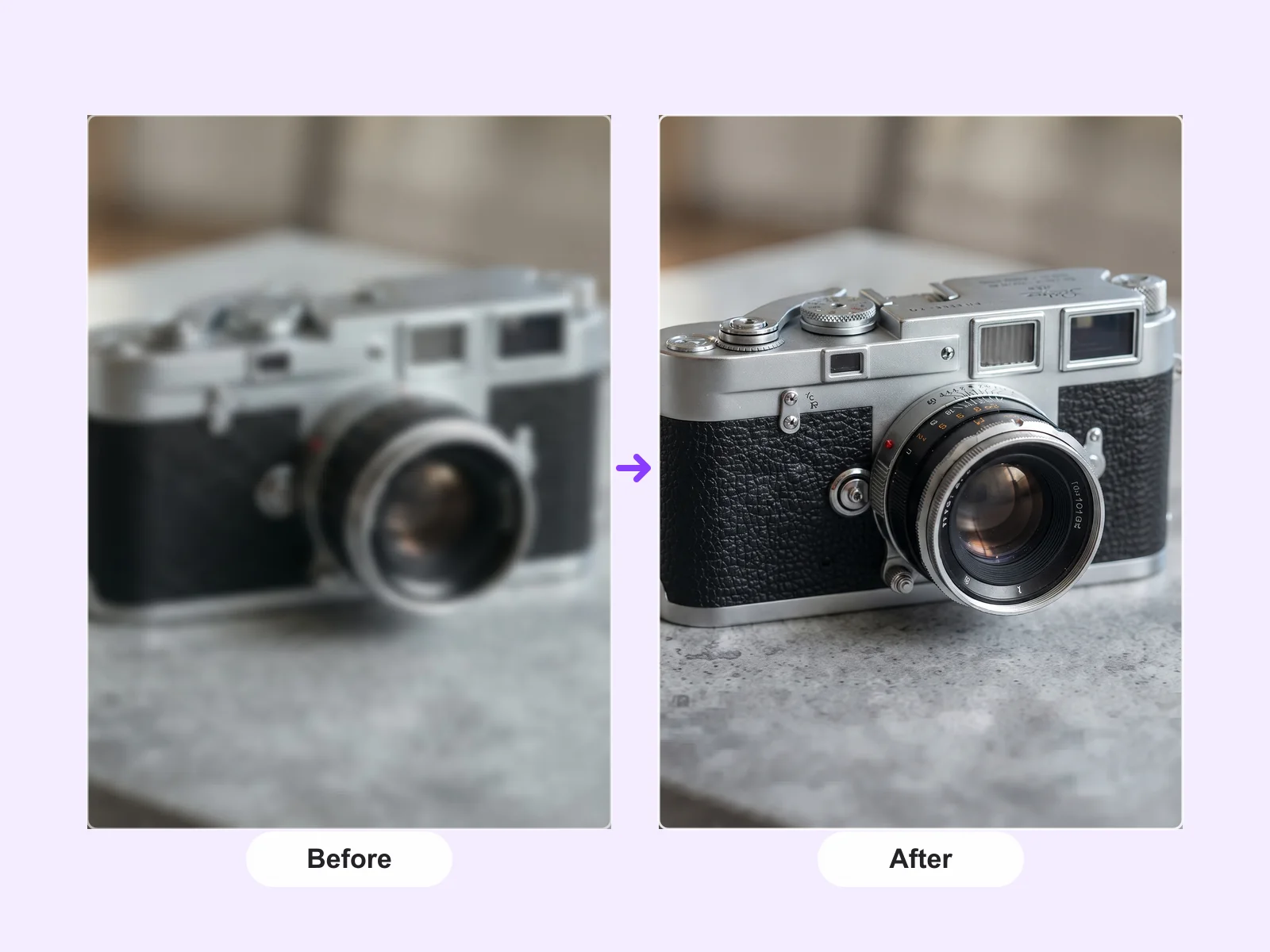
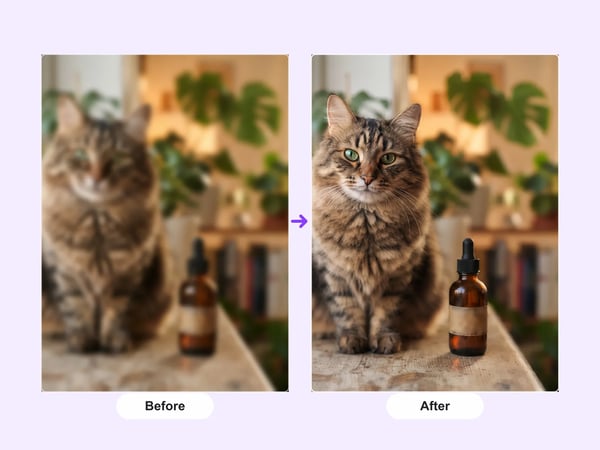
This tool is deliberately set to 2K, so the output target is clear from the moment you upload.
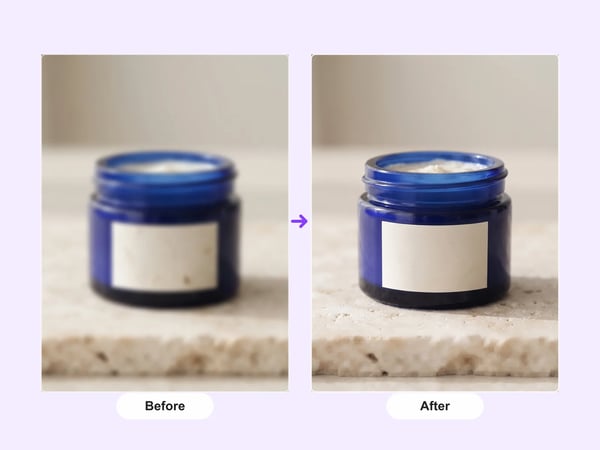
The generation instructions prioritize the existing subject, framing, aspect ratio, lighting, and colors instead of asking the model to redesign the image.
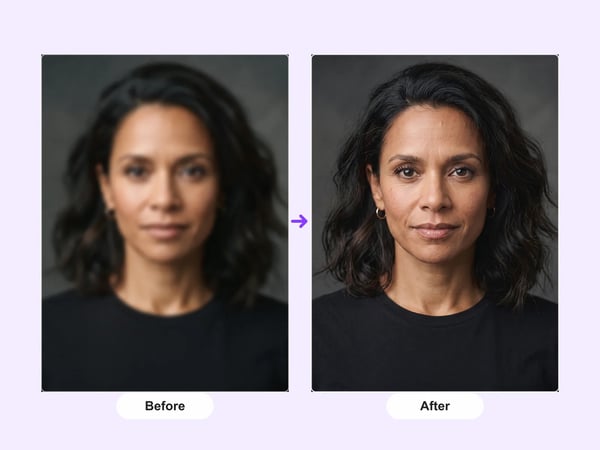
The prompt asks for natural clarity and texture only where the source supports it, helping avoid unnecessary new elements or patterns.
A focused image-to-image workflow for a higher-resolution result without a manual editing setup.
Choose one photo, illustration, product image, or design that needs a larger 2K version.
Nano Banana 2 uses the supplied image as its reference and is instructed to preserve the subject and composition.
Review the generated result and download the version that fits your creative workflow.
Prepare a larger working image when the source is visually right but needs more resolution for the next step.
Give selected travel, portrait, or campaign images a larger version before placing them into a post, presentation, or layout.
Prepare a higher-resolution product visual while keeping its packaging, materials, and original product appearance recognizable.
Create a 2K working version of an illustration or generated visual while retaining its intended style and framing.
Answers to common questions about creating a 2K image with DeepKolor.
Start with the image you already have and create a higher-resolution version with a focused preservation prompt.
Start with a focused creative workflow, then make it your own.
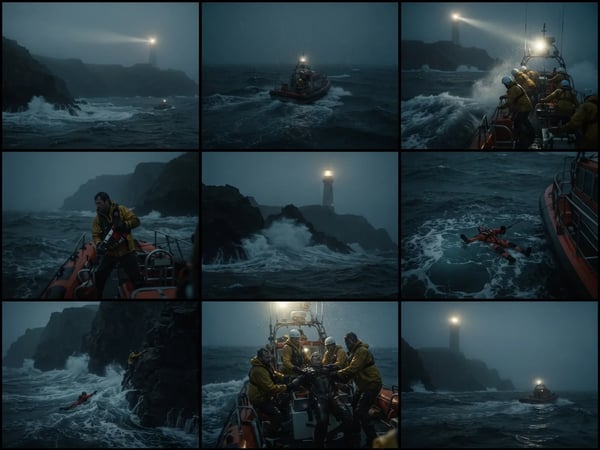
Upload an optional visual reference and turn a scene brief into a photorealistic 9-panel cinematic storyboard grid in 2K.
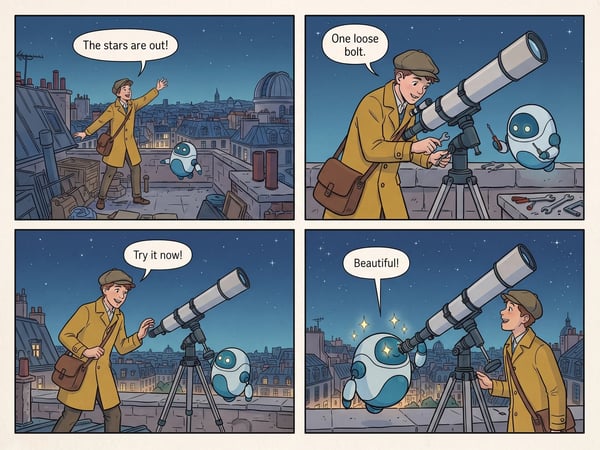
Turn a short premise into a complete four-panel comic strip with dialogue.
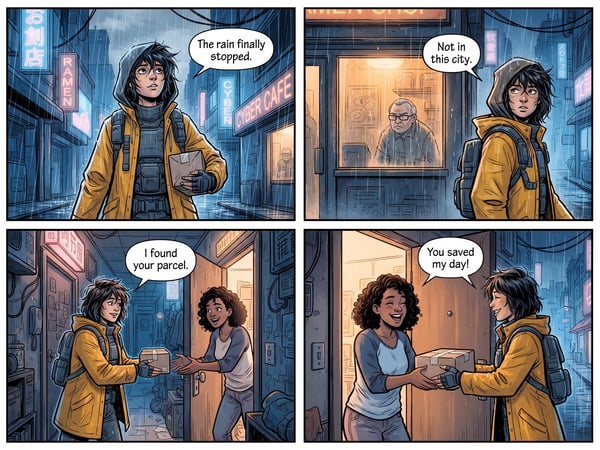
Translate dialogue in one comic page while preserving its panels, artwork, and reading flow.
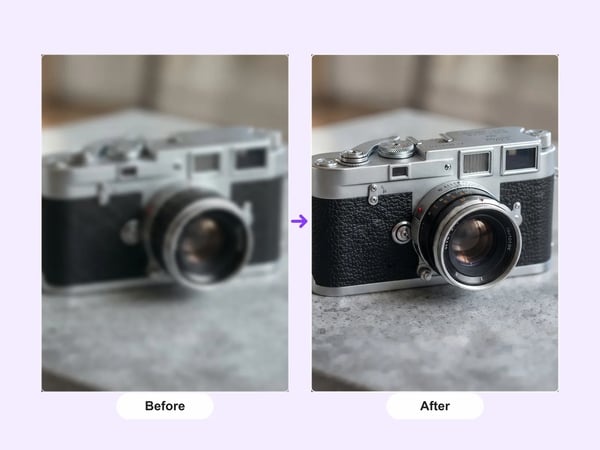
Upscale portraits and images to 2K while preserving identity, composition, and natural detail.
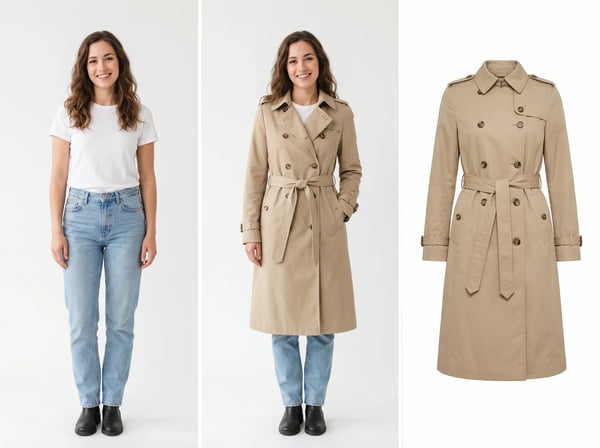
Upload a model photo and clothing references to create a realistic fashion try-on.
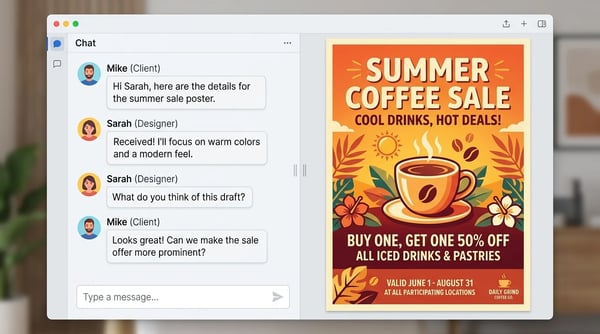
Create a polished poster from a short brief and optional reference image.
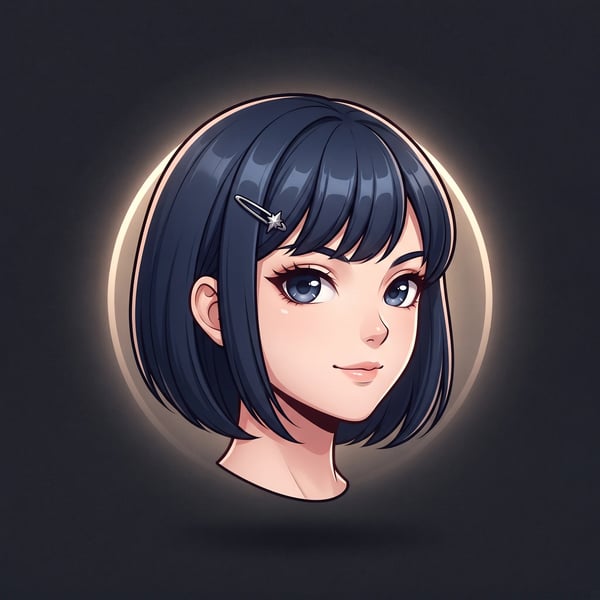
Turn a portrait into a polished floating anime head avatar while preserving recognizable features.
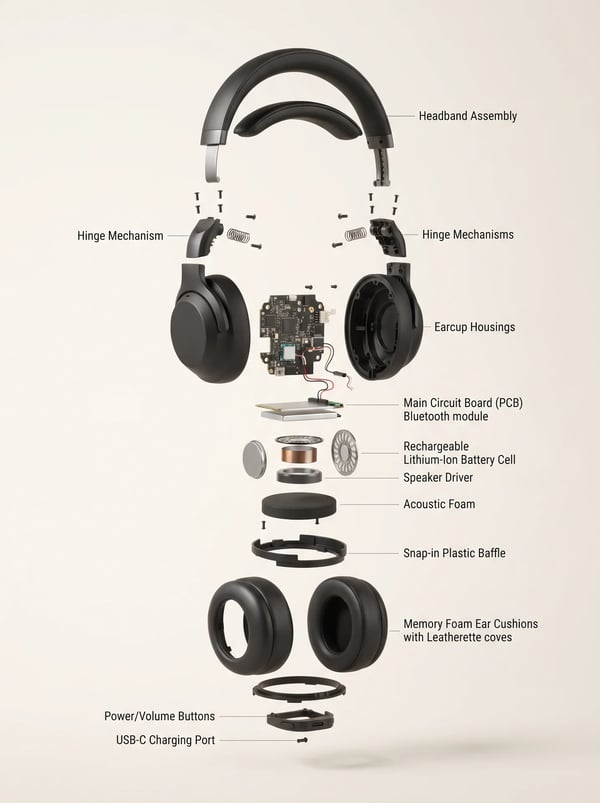
Turn a product reference into a clear, premium exploded assembly image.
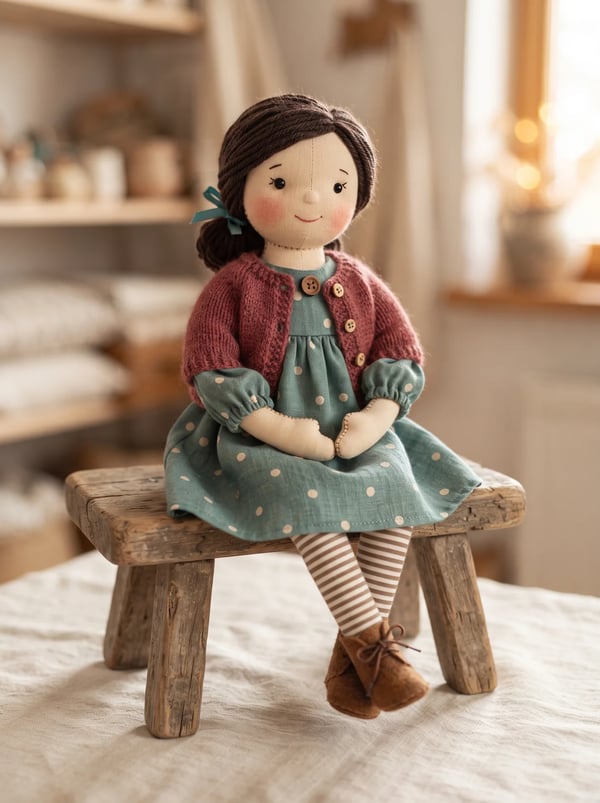
Transform a person photo into a charming handmade rag doll while preserving recognizable features, clothing cues, and personality.
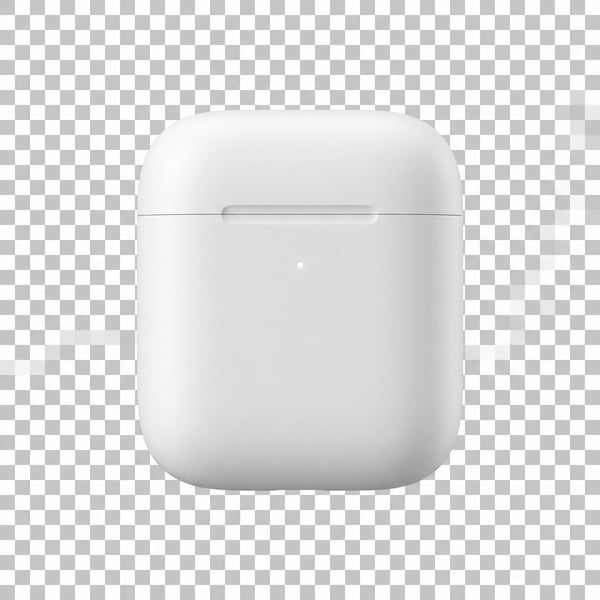
Remove a photo background and keep the main subject cleanly isolated.
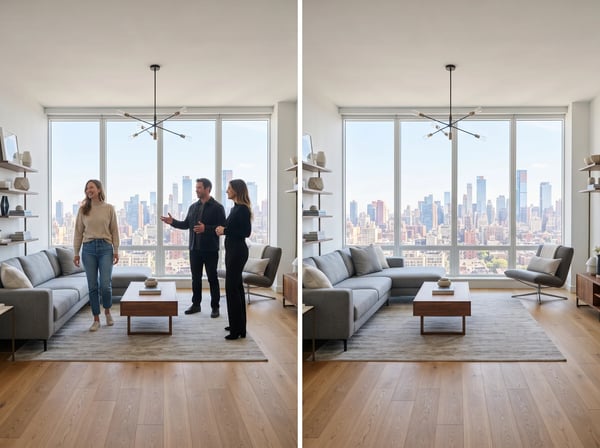
Remove unwanted people from a photo while keeping the scene natural.