Start with your portrait
Upload one clear face photo as the reference for your anime avatar.
Turn a clear portrait into a floating anime head avatar with recognizable features, a chosen visual style, and your creative direction.
Turn a portrait into a polished floating anime head avatar while preserving recognizable features.
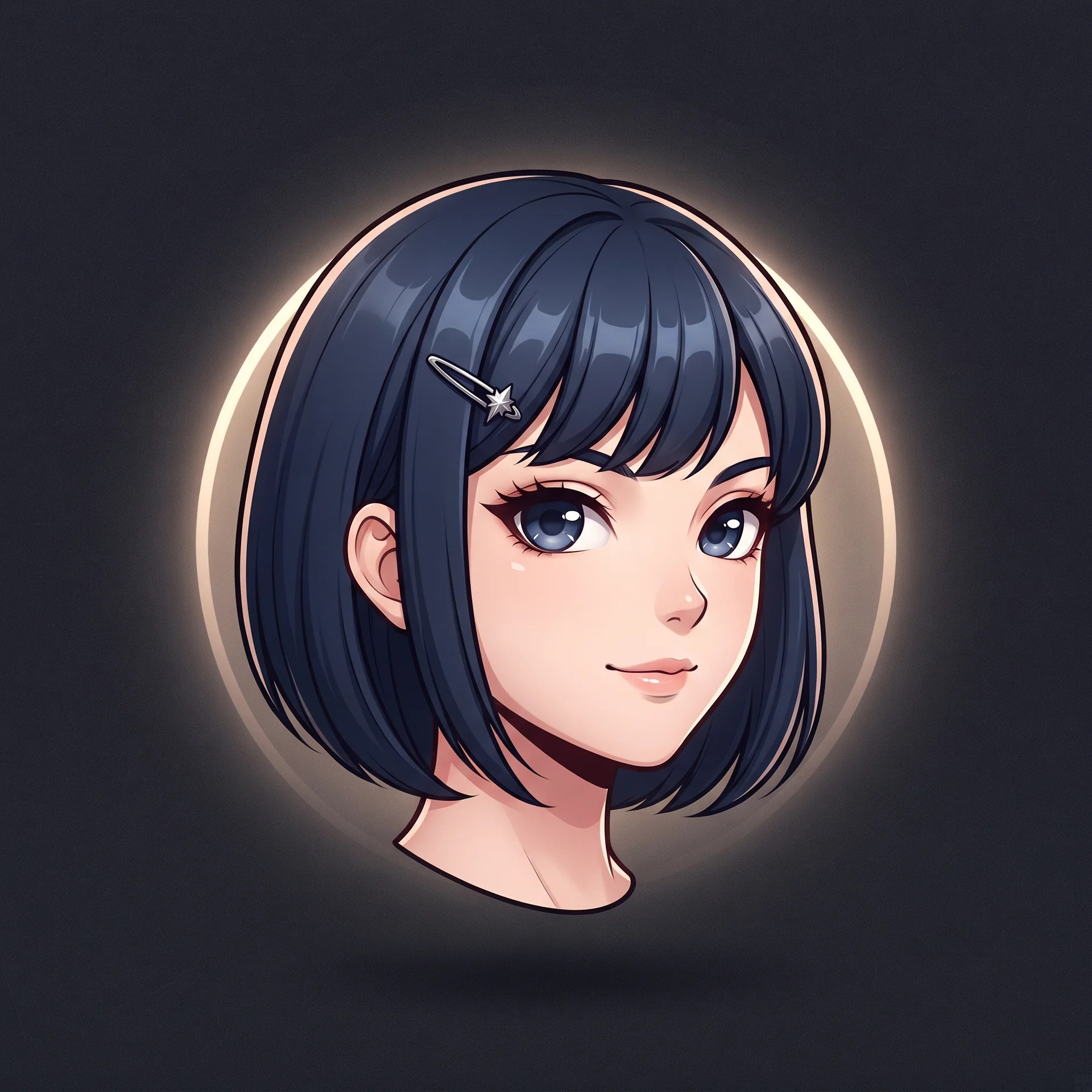
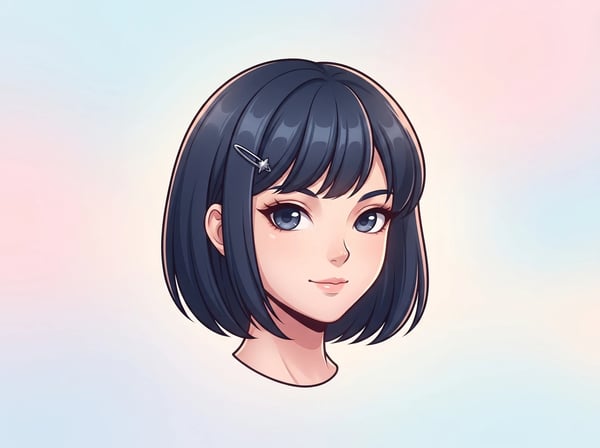
The transformation is directed to retain facial structure, skin tone, hairstyle cues, expression, and distinctive accessories from the supplied portrait.
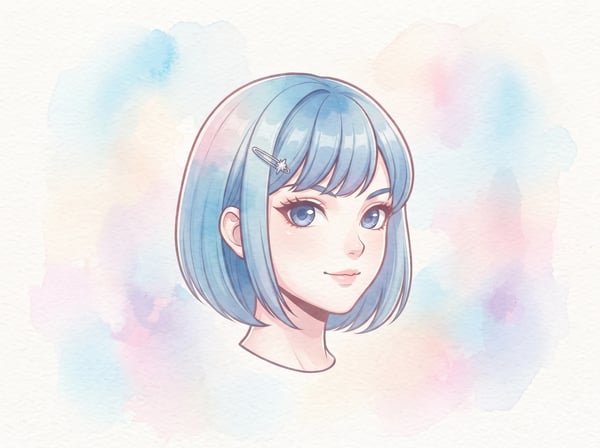
The result focuses on exactly one centered head, without a neck, shoulders, torso, or body competing with the avatar.
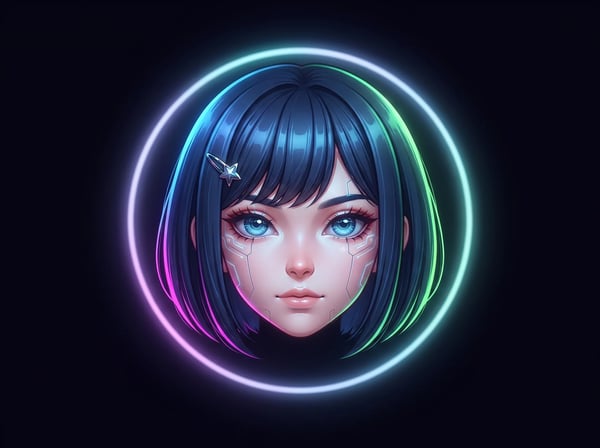
The prompt targets crisp linework, expressive eyes, coherent hair strands, clean shading, and a simple atmospheric background.
Create one polished, floating anime head from a portrait. The tool is built for a centered avatar result rather than a full-body character or a scene.
Upload one clear face photo as the reference for your anime avatar.
Select polished cel shading, soft watercolor, or futuristic cyber anime before generating.
Use optional direction for hair color, expression, lighting, or a simple background.
The configured output is a single 1:1 floating head, ready to inspect and download.
Use a clear portrait, pick a visual direction, and keep your instructions specific.
Choose a portrait with one visible face and recognizable features.
Choose polished cel shading, soft watercolor, or futuristic cyber anime.
Describe hair, expression, lighting, or a simple background you want to guide.
Review the square floating anime head result, then download the version you want to use.
Create a focused portrait treatment when you want an anime-style identity image rather than a full character illustration.
Make a distinctive anime PFP for the places where a square profile image is used.
Give your chat or community profile a consistent anime-inspired headshot.
Explore an anime version of a personal portrait for creator-facing identity experiments.
Compare cel-shaded, watercolor, and cyber anime directions using the same portrait reference.
Use a recognizable headshot concept as a starting point for a personal character idea.
See your photo reimagined as a single polished anime head with simple creative control.
What to expect from this portrait-to-anime tool.
Upload a clear portrait and turn it into a focused floating anime head.
Start with a focused creative workflow, then make it your own.
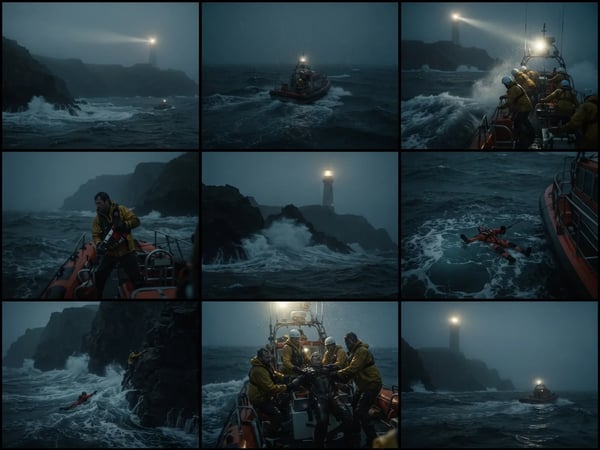
Upload an optional visual reference and turn a scene brief into a photorealistic 9-panel cinematic storyboard grid in 2K.
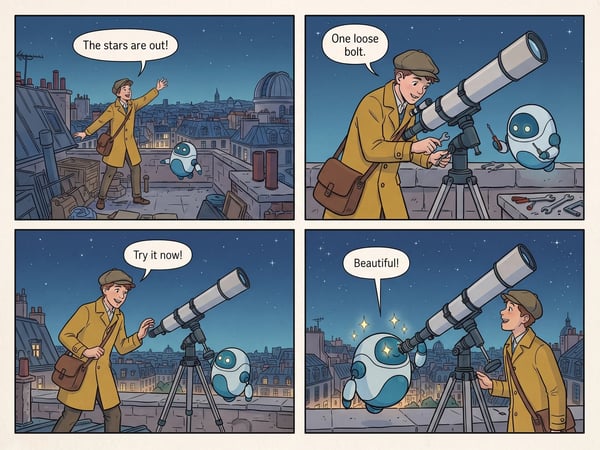
Turn a short premise into a complete four-panel comic strip with dialogue.
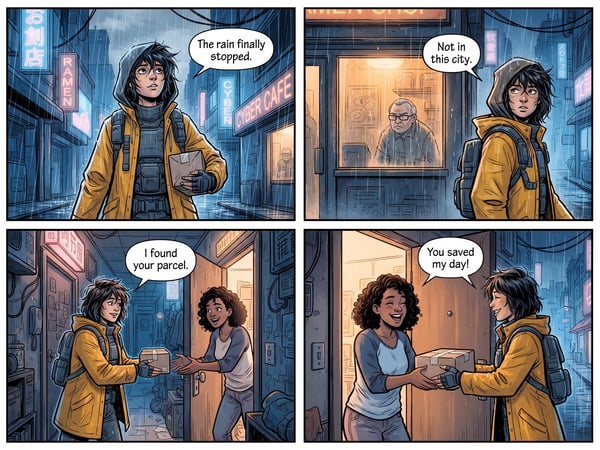
Translate dialogue in one comic page while preserving its panels, artwork, and reading flow.
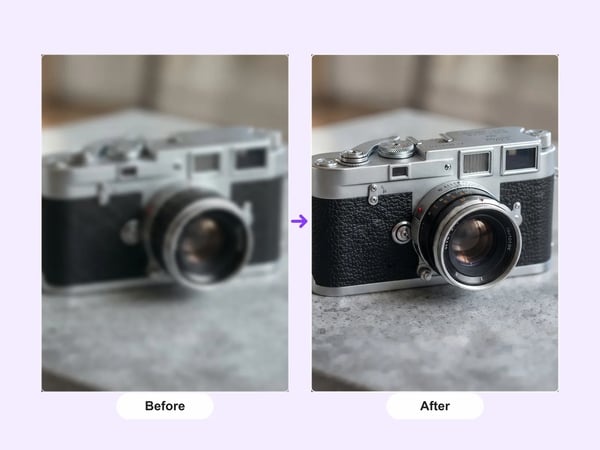
Upscale portraits and images to 2K while preserving identity, composition, and natural detail.
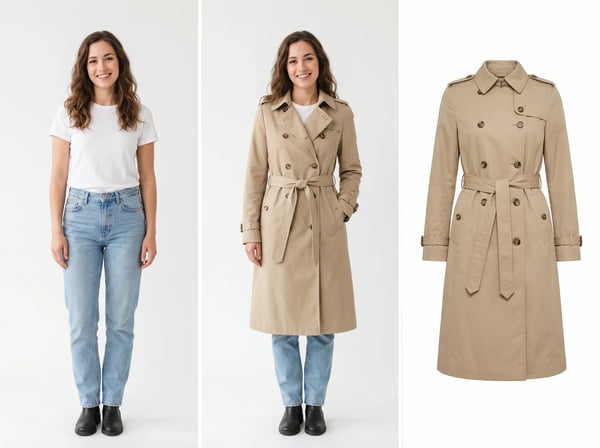
Upload a model photo and clothing references to create a realistic fashion try-on.
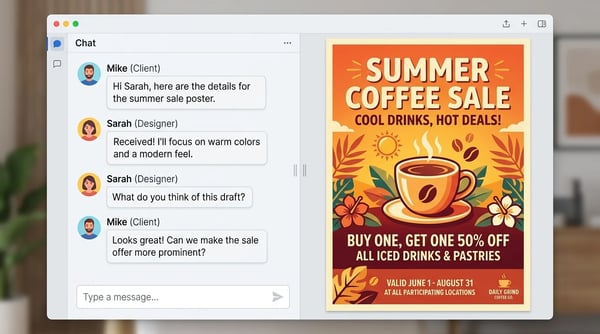
Create a polished poster from a short brief and optional reference image.
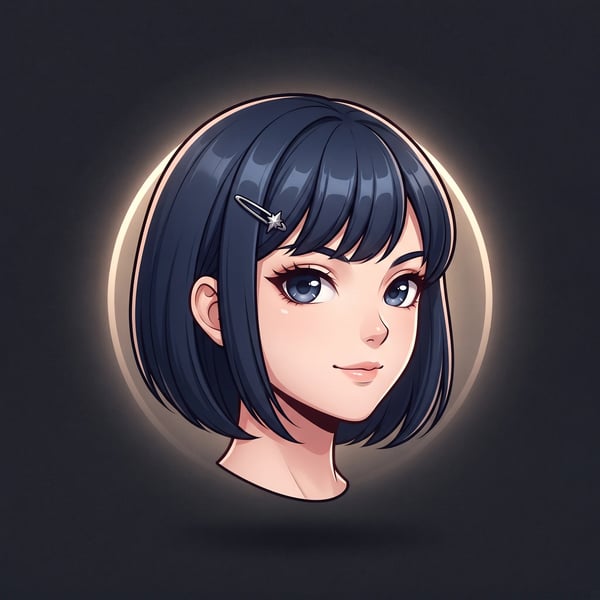
Turn a portrait into a polished floating anime head avatar while preserving recognizable features.
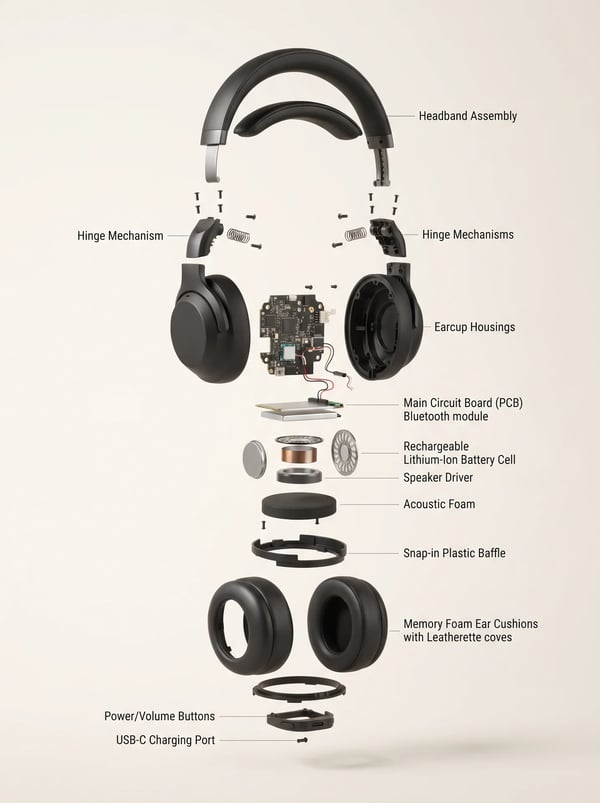
Turn a product reference into a clear, premium exploded assembly image.
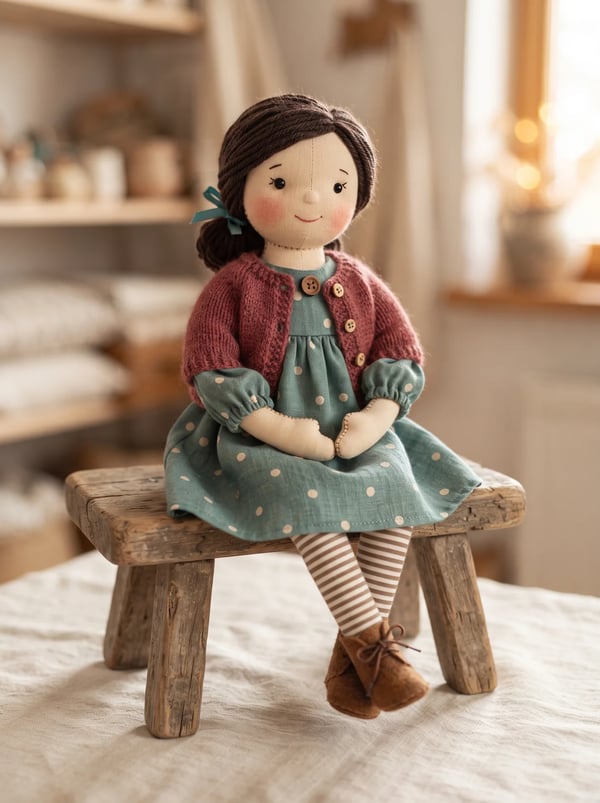
Transform a person photo into a charming handmade rag doll while preserving recognizable features, clothing cues, and personality.
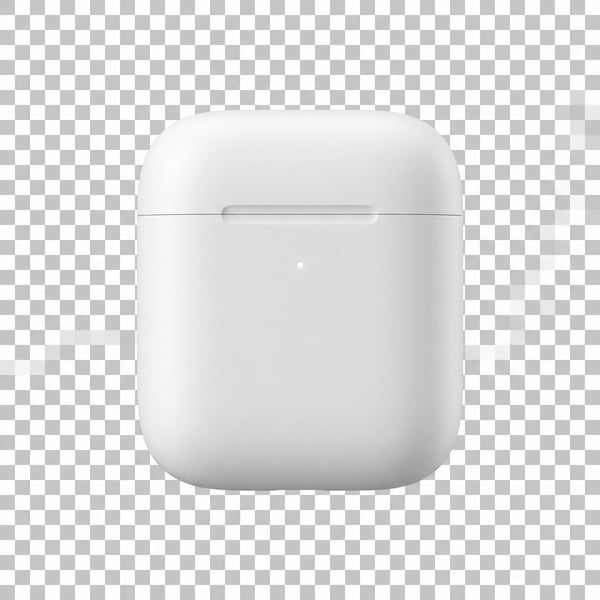
Remove a photo background and keep the main subject cleanly isolated.
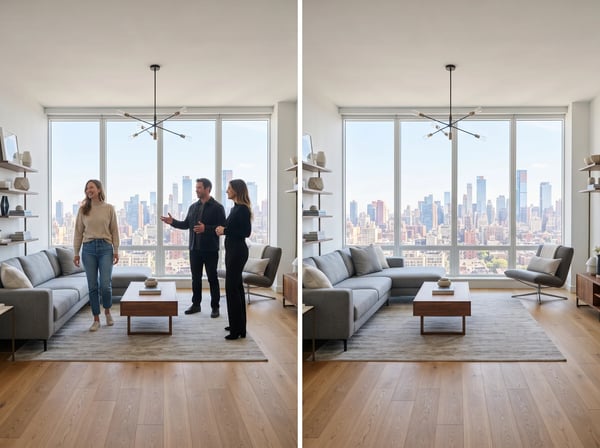
Remove unwanted people from a photo while keeping the scene natural.